Your personal music radar
Never miss a drop.
New music release alerts for the artists and genres you follow. See what is coming, know what has dropped, and listen when the moment arrives.
Try a scene
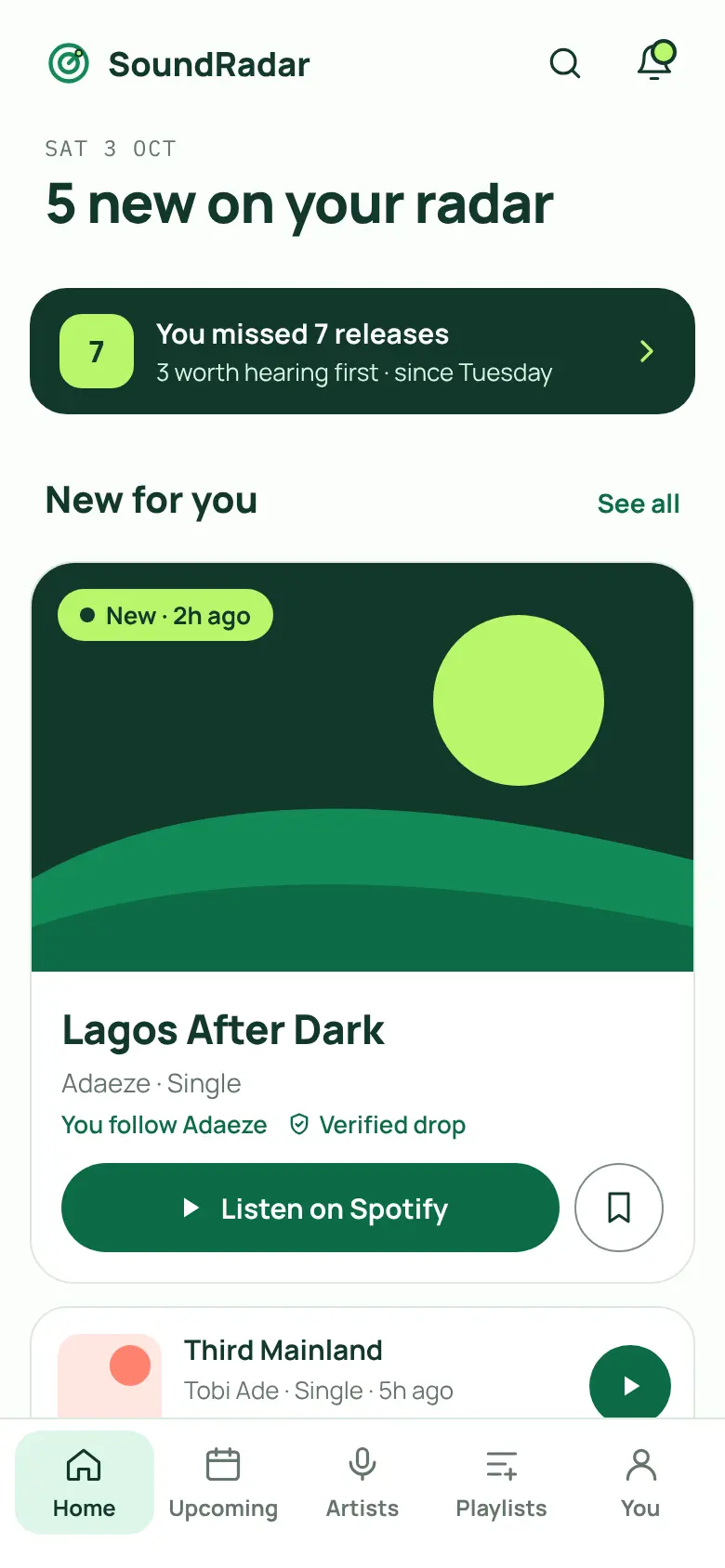
Lagos After Dark
Adaeze · Single
▶ Listen on Spotify
Coming up · Date confirmed
Soft Life Theory
Lola Rae · Album
6 days
Fri 9 Oct · Reminder set
Untitled album
Kojo Mensa · we’ll tell you once it’s real
How SoundRadar works
Three steps, then your radar is ready.
Choose what you care about
Pick the artists you’d hate to miss, then the genres, regions and scenes you want more of.
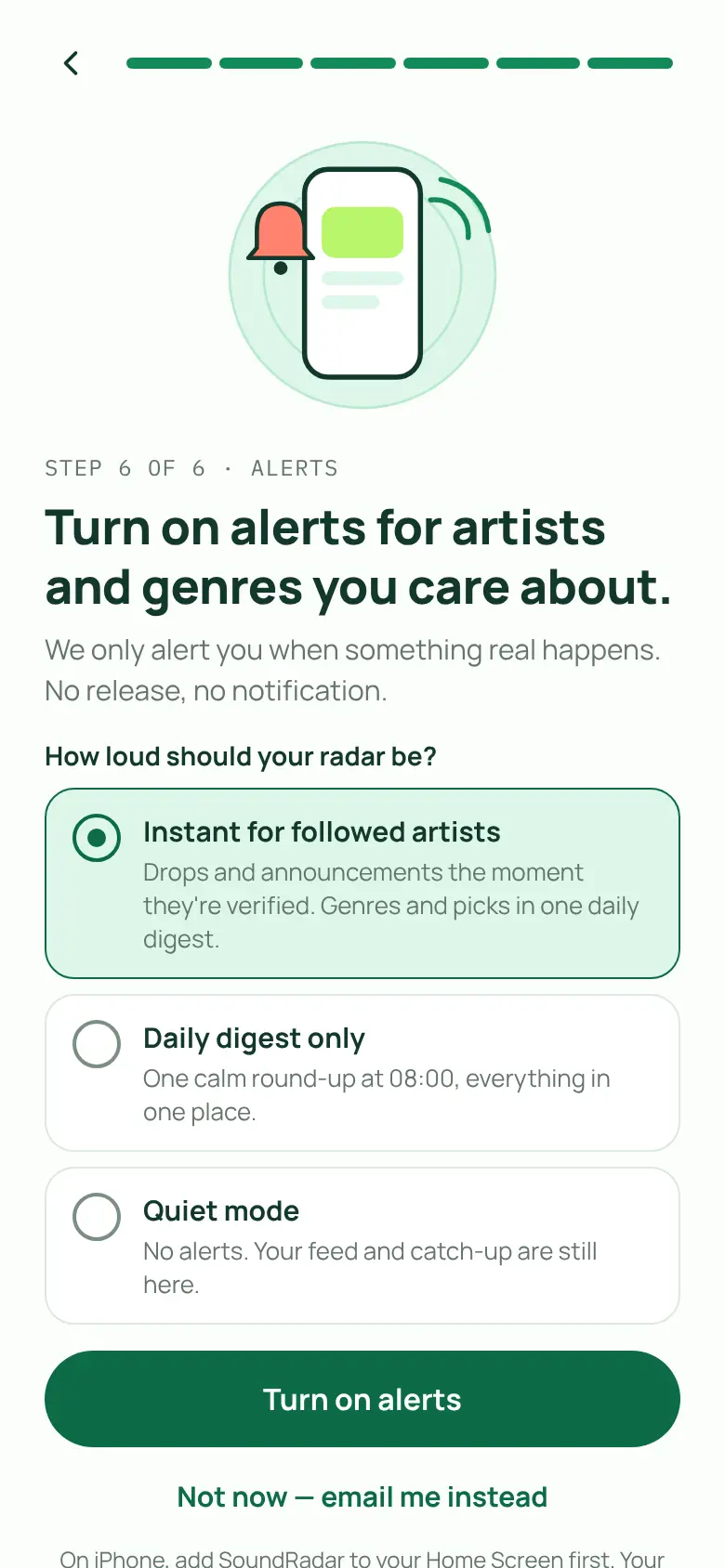
Choose how loud it is
Instant for the artists you follow, a calm digest for everything else, quiet whenever you like.
Listen the moment it lands
See whether a release is announced, expected or confirmed. When a listening link is available, one tap opens Spotify, YouTube or Apple Music.
Inside the app
Everything new, nothing you didn’t ask for.
The real SoundRadar screens. Works in your browser and installs to your home screen.
- 01
Home
New for you, with why it’s there
 02
Drop Calendar
Confirmed and expected dates
 03
Release
Listen on your service, one tap
 04
What did I miss?
Catch up after a busy week
Playlists
Turn new drops into playlists.
Alerts tell you what is new. Playlists put it to work: built only from releases SoundRadar has verified, ready to edit, share and make again.
Make one in seconds
Pick your genres, a date range and how many tracks. Turn on full projects to hear more of an album instead of one song.
What you missed
One tap: new music from the artists and genres you follow that you have not listened to. Switch off any genre or artist you do not want, then make it again.
Coming up from your artists
A playlist that fills itself. Each release from an artist you follow is added on its own release day.
Playlists with friends
Invite friends by username with a 6-digit code. SoundRadar mixes one playlist from what everyone follows, with a fair share for each person, and it updates as people join.
This week in your genres
Every Friday SoundRadar builds a playlist for each genre you follow from that week’s releases.
Yours to shape
Reorder, remove or add tracks, then regenerate. A track you remove never comes back.
Share it on Spotify
Get a Spotify link to a playlist SoundRadar creates for you. You never connect your own Spotify account, and Spotify may ask you to sign in to listen.
Good to know
New music release alerts, without the guesswork.
- How do SoundRadar release alerts work?
- Follow artists and pick the genres you care about. SoundRadar brings their new and upcoming releases into your radar, with alert options you can control.
- Are upcoming release dates always confirmed?
- No. An announcement may have an exact date, a rough window, or no date yet. SoundRadar labels that difference so a tentative date does not look guaranteed.
- Where do I listen when a release drops?
- Open an available listening link from the release page to Spotify, Apple Music, or YouTube. If a link is not available yet, the release can still appear with that status clearly shown.
- Can I make playlists?
- Yes. Build one from your genres, a date range and a size, get one made from what you missed or what is coming up from your artists, or start a group playlist with friends. Playlists use only verified releases, you can edit them, and you can share them through a Spotify link.
- Can I discover music beyond the artists I follow?
- Yes. Your genres and other preferences help shape recommendations, while your followed artists remain easy to find in your feed and drop calendar.
Start with the artists you never want to miss.
Choose a few artists and genres, set your alert preferences, and see matching releases as they are added to the catalog.
